Scanner
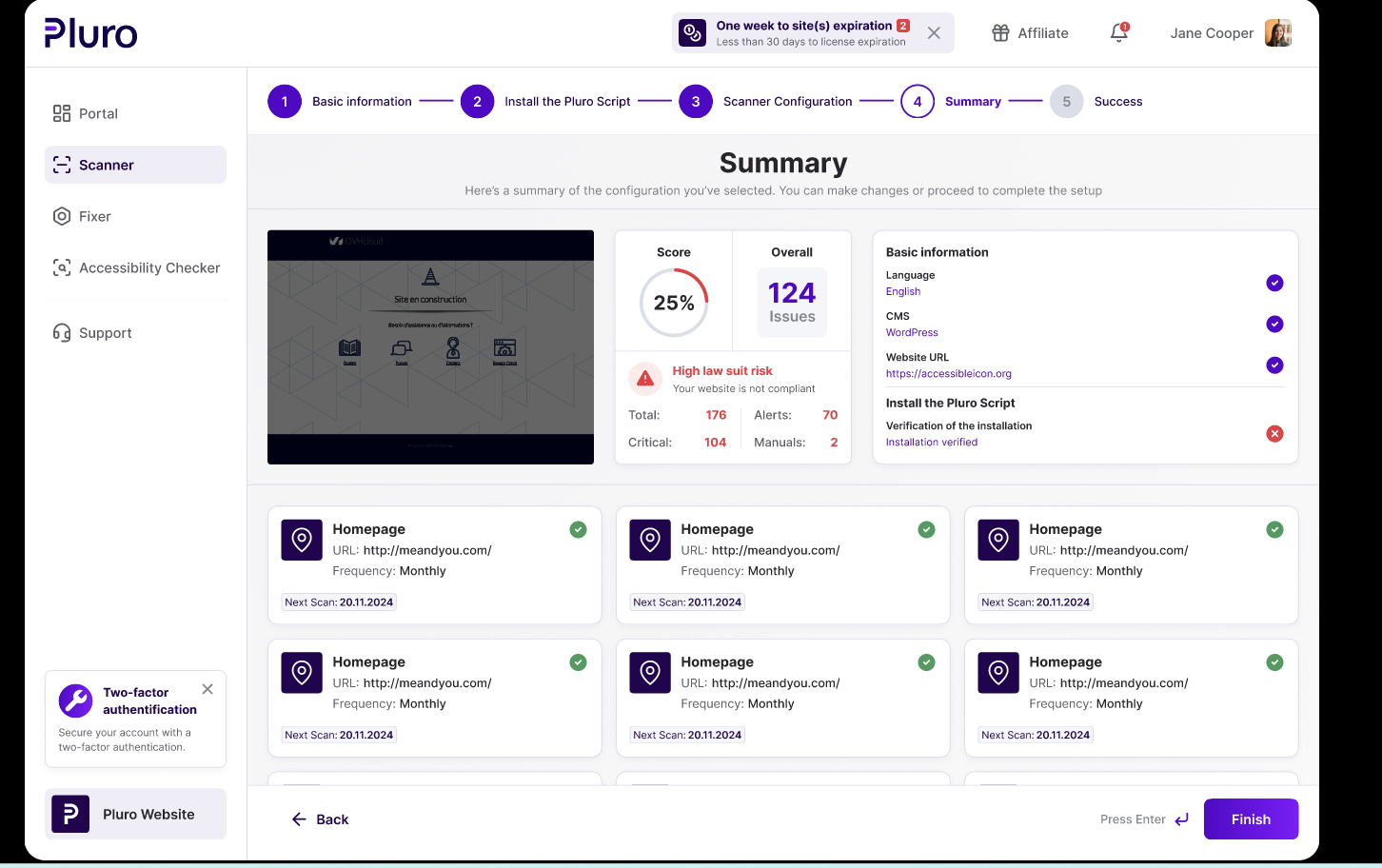
Detect WCAG issues across pages, templates and components with clear severity and review signals.
AI Accessibility Workflow Platform
Pluro connects WCAG scanning, AI-assisted insight, behavioral evidence, controlled live fixes, developer tools and multi-site reporting into one workflow, so accessibility becomes part of delivery instead of a separate project.
No credit card required • Works with WordPress, Shopify, Wix and custom websites
One workflow
Automated scans are only the beginning. Real accessibility work requires review, context, behavior testing, remediation, evidence and ongoing governance. Pluro connects those steps so teams move from findings to action without losing context.
01
Detect WCAG issues across pages, templates and components with clear severity and review signals.
02
Classify findings, explain user impact and suggest safe remediation paths without pretending every issue can be automated.
03
Capture issues scanners often miss, including keyboard traps, modal focus problems, form errors and dynamic UI updates.
04
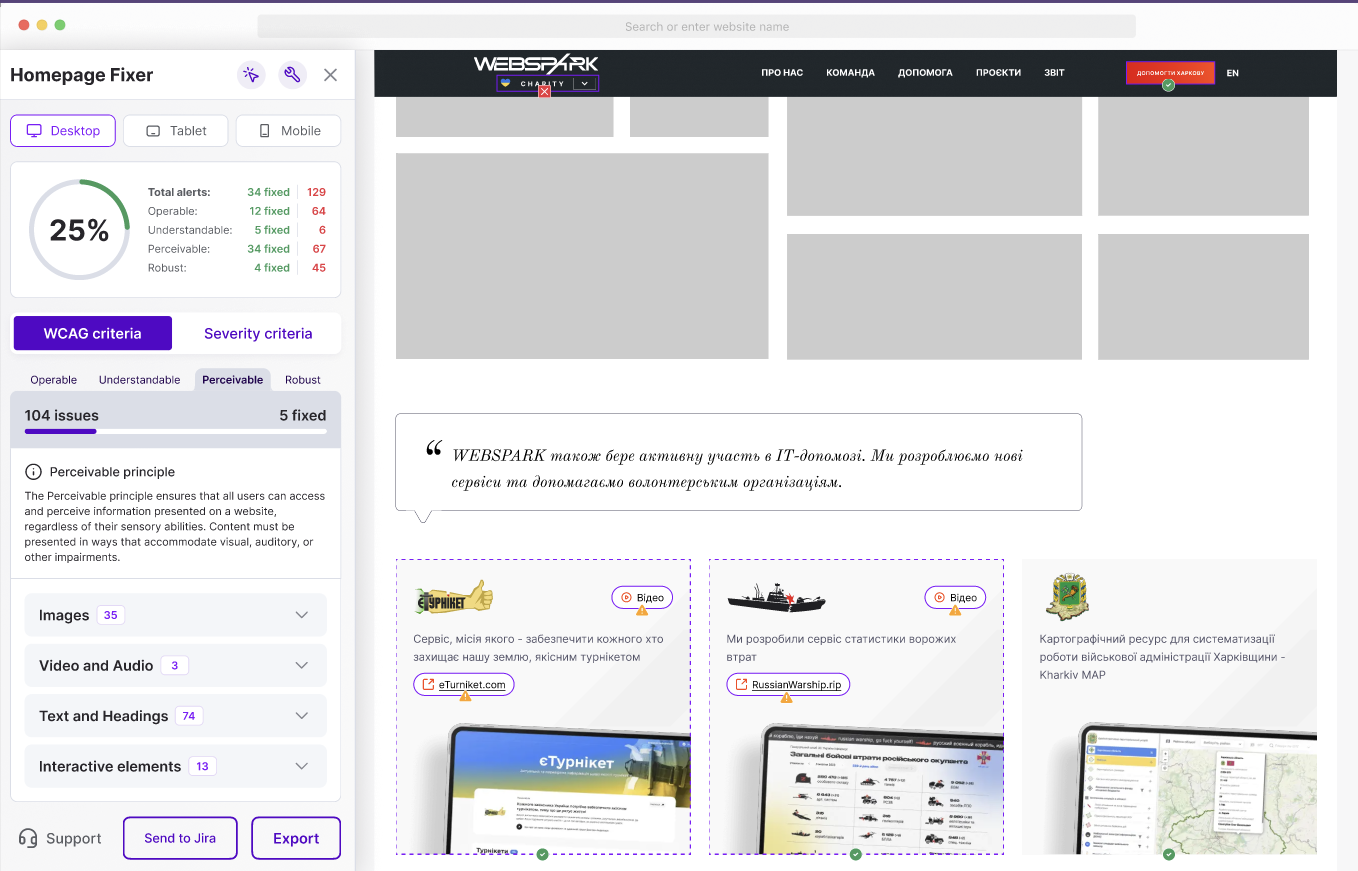
Apply controlled JavaScript, CSS and DOM-level fixes from a visual workflow without changing the original source code.
05
Connect findings, screenshots, review decisions, fixes and status into reports developers and clients can actually use.
06
Manage domains, clients, roles, licenses and accessibility progress from one central workspace.
AI with guardrails
Pluro helps teams understand findings faster, but it does not guess when intent is unclear. Issues are separated into safe fixes, review items and manual tasks so teams can move quickly without losing control.
For simple, low-risk issues where the element purpose and user impact are clear.
For findings that require human judgment, business context, content knowledge or approval.
For complex semantics, behavior, design decisions and content meaning that should not be automated blindly.
Behavior evidence
Many accessibility failures happen during interaction, not in static HTML. Pluro helps teams inspect behavior flows and document evidence for issues that automated scans alone may not fully capture.
From finding to fix
Use the workflow that fits your team: developer guidance, visual Fixer, headless fixes, toolbar support or API-based integration for advanced environments.
Review the affected element, understand the issue and apply controlled fixes.
Give developers accessibility feedback earlier, before issues reach production.
Deploy approved fixes without waiting for a full code release.
Connect Pluro data and actions to internal workflows and tooling.
See issues, evidence and recommended next steps in minutes.
