Score
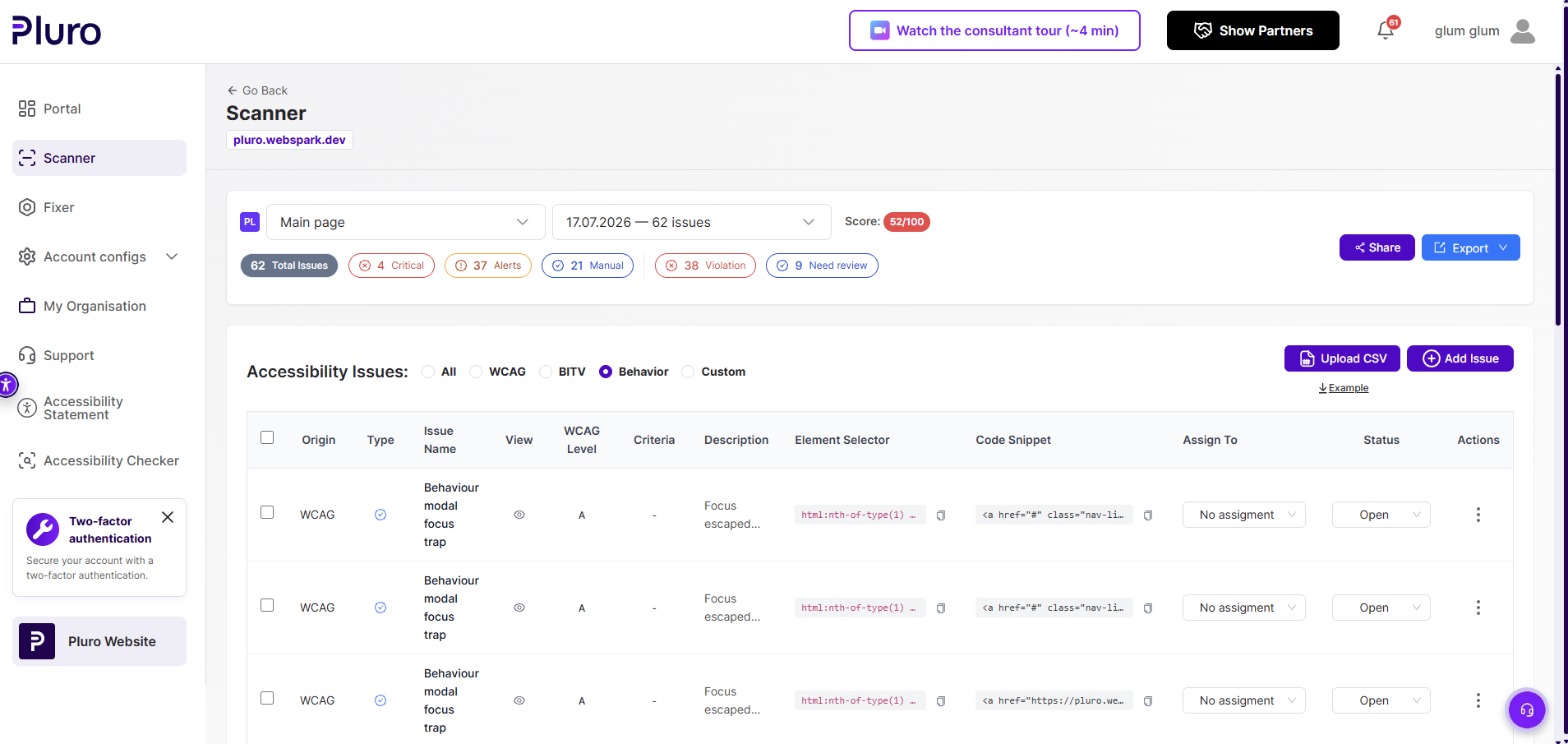
52%
Overall accessibility score in the exported report.
Sample Report
Explore a real accessibility workflow that combines WCAG scanning, manual findings, AI-assisted analysis, Behavior Evidence, developer handoff, controlled remediation and verification reporting.
Executive Summary
The sample report includes 62 issues across automated, manual, custom and behavioral findings. It preserves the technical context needed for review, assignment and remediation.
Score
Overall accessibility score in the exported report.
Total Issues
Combined automated, manual, custom and behavioral findings.
Critical
Issues that require urgent review and remediation.
Manual
Findings that require professional judgment or interaction testing.
Inside the workflow
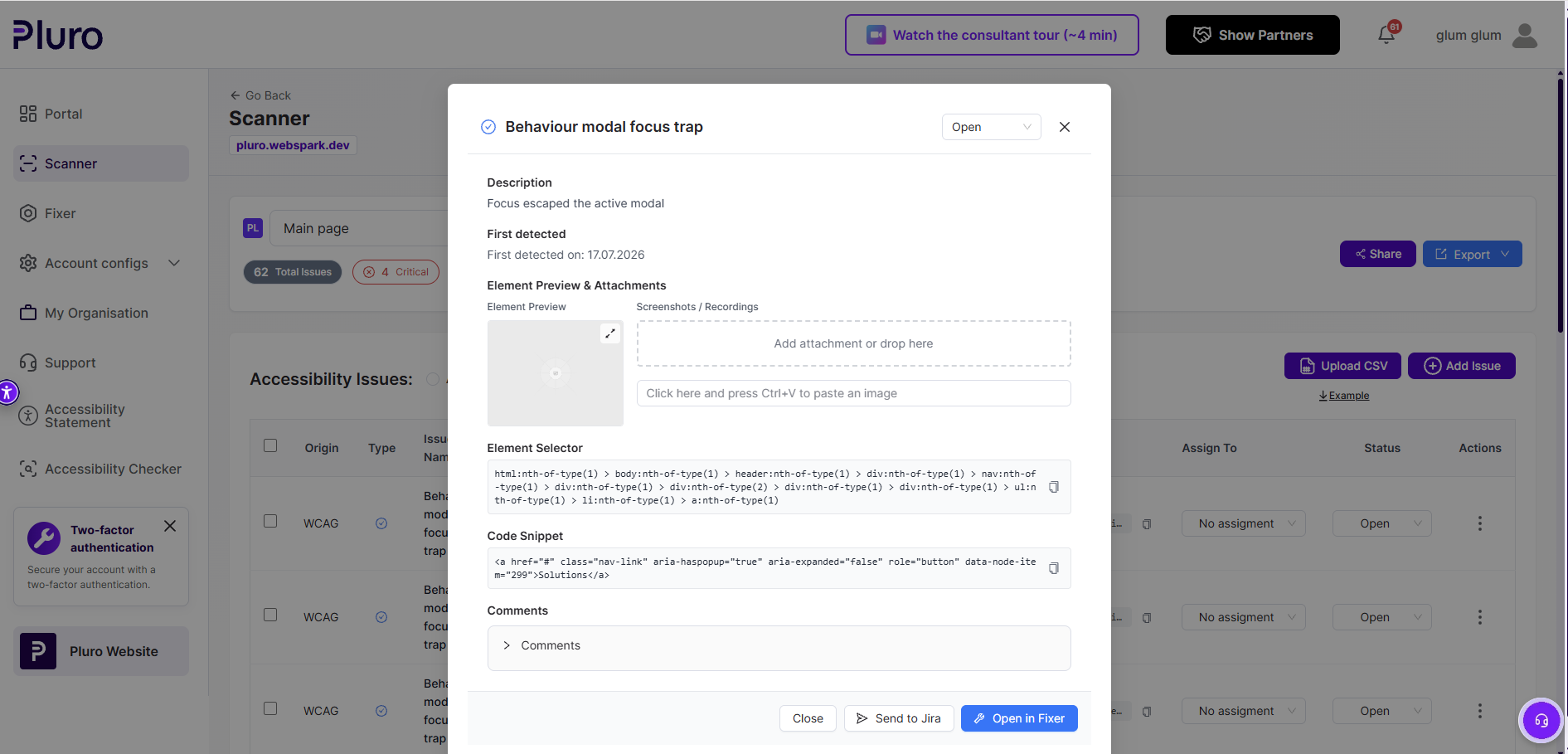
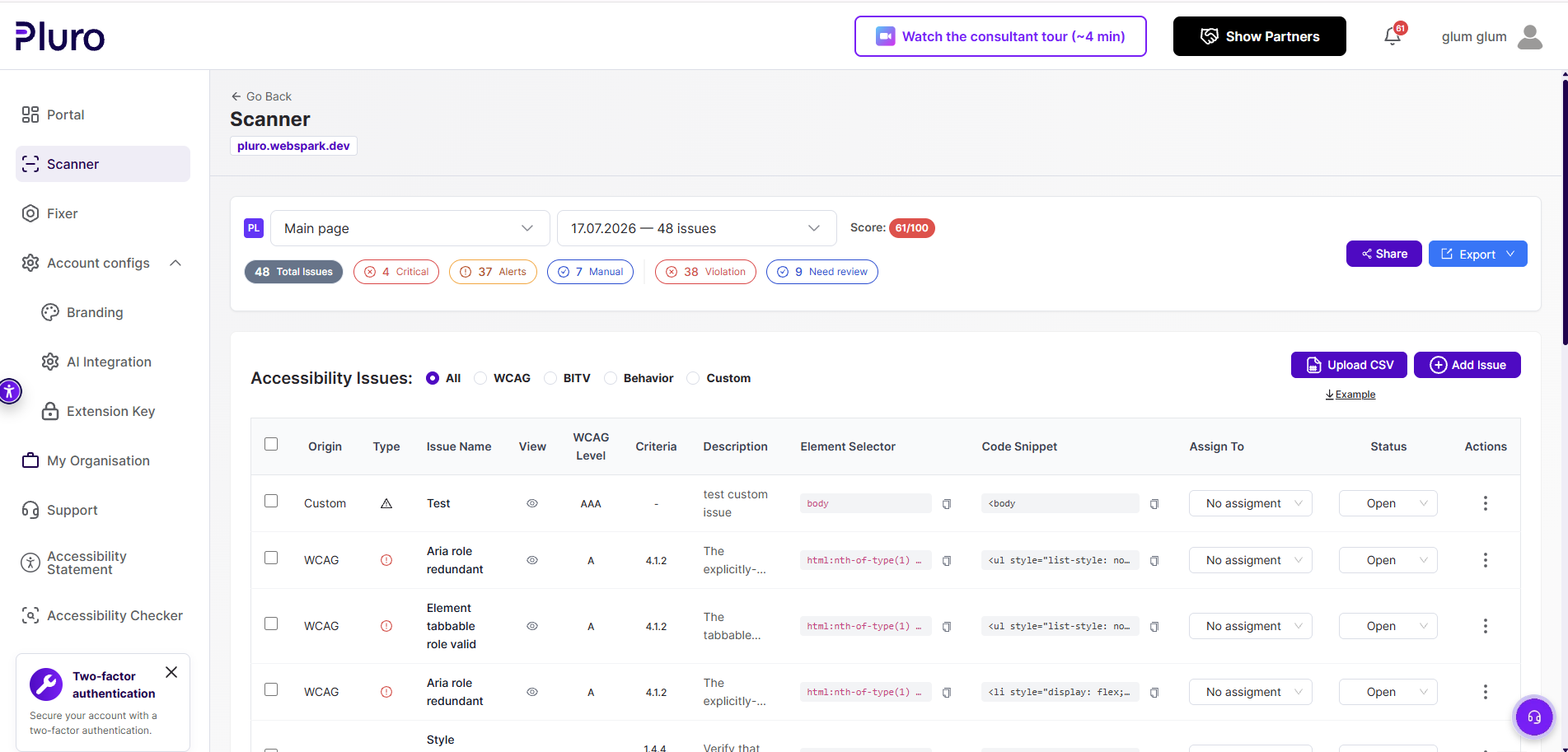
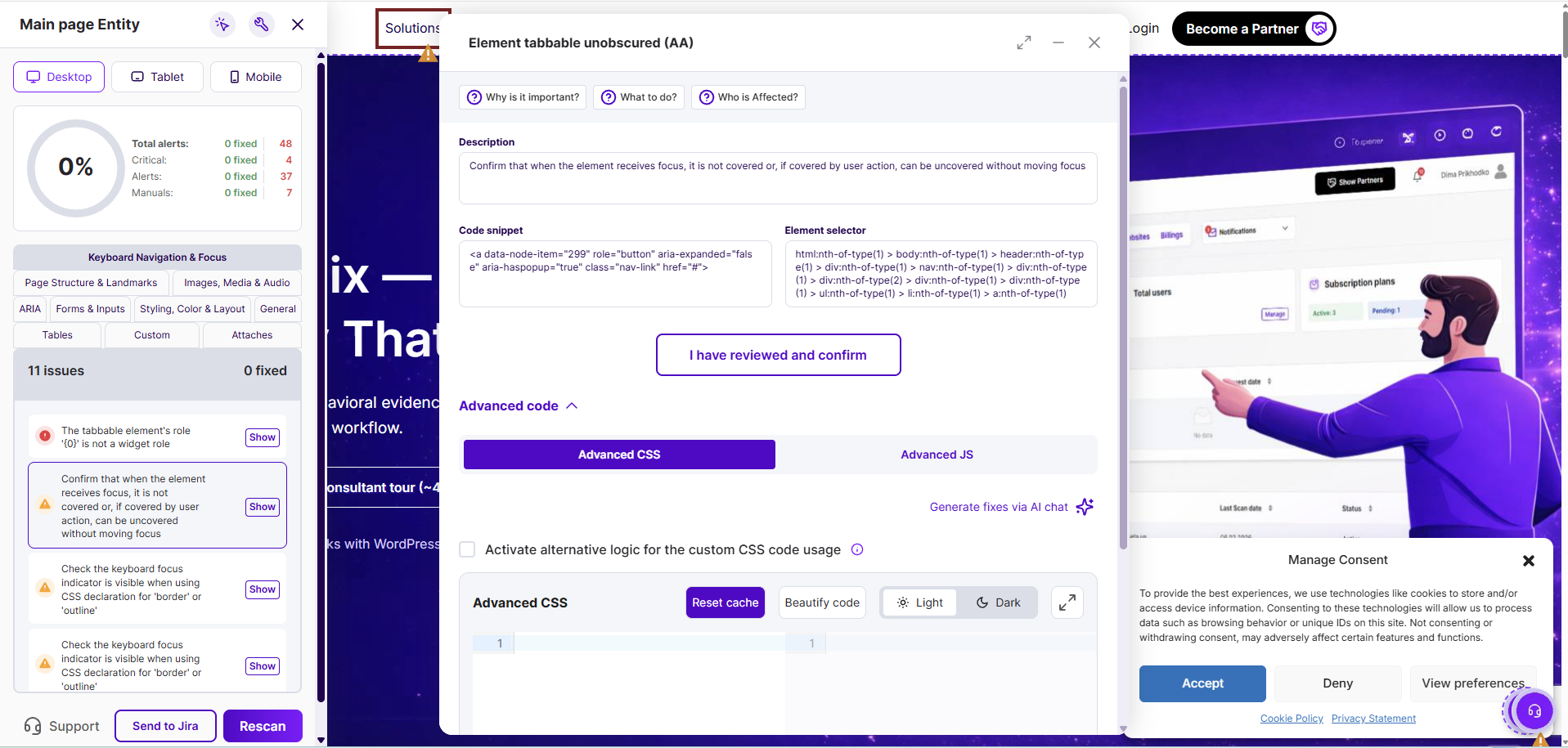
Each issue keeps its message, selector, code snippet, WCAG context, origin, assignment and remediation path connected.
AI Insight
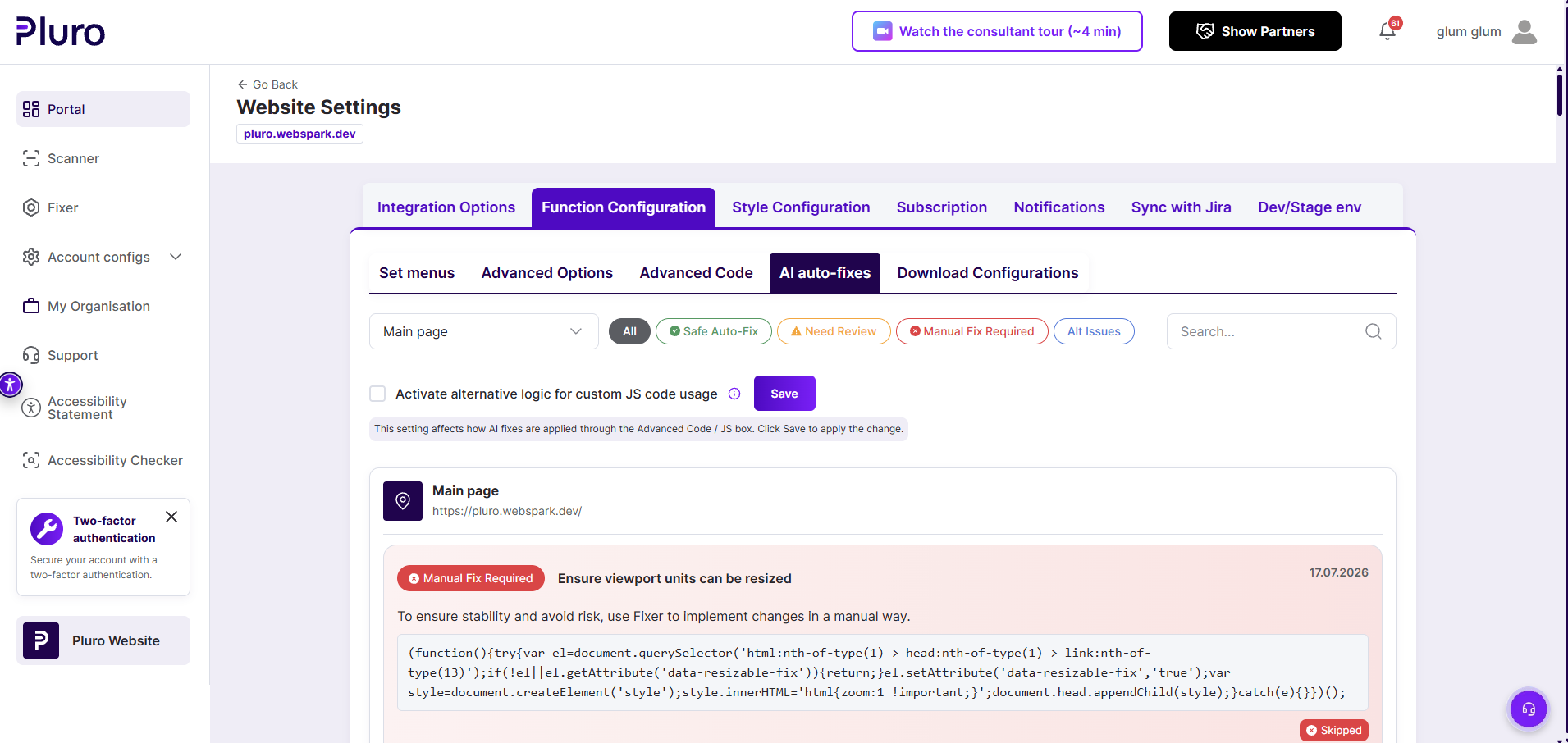
Pluro classifies fixes as Controlled Fix, Needs Review or Manual Fix Required so teams can act without hiding the level of human responsibility.
Behavior Evidence
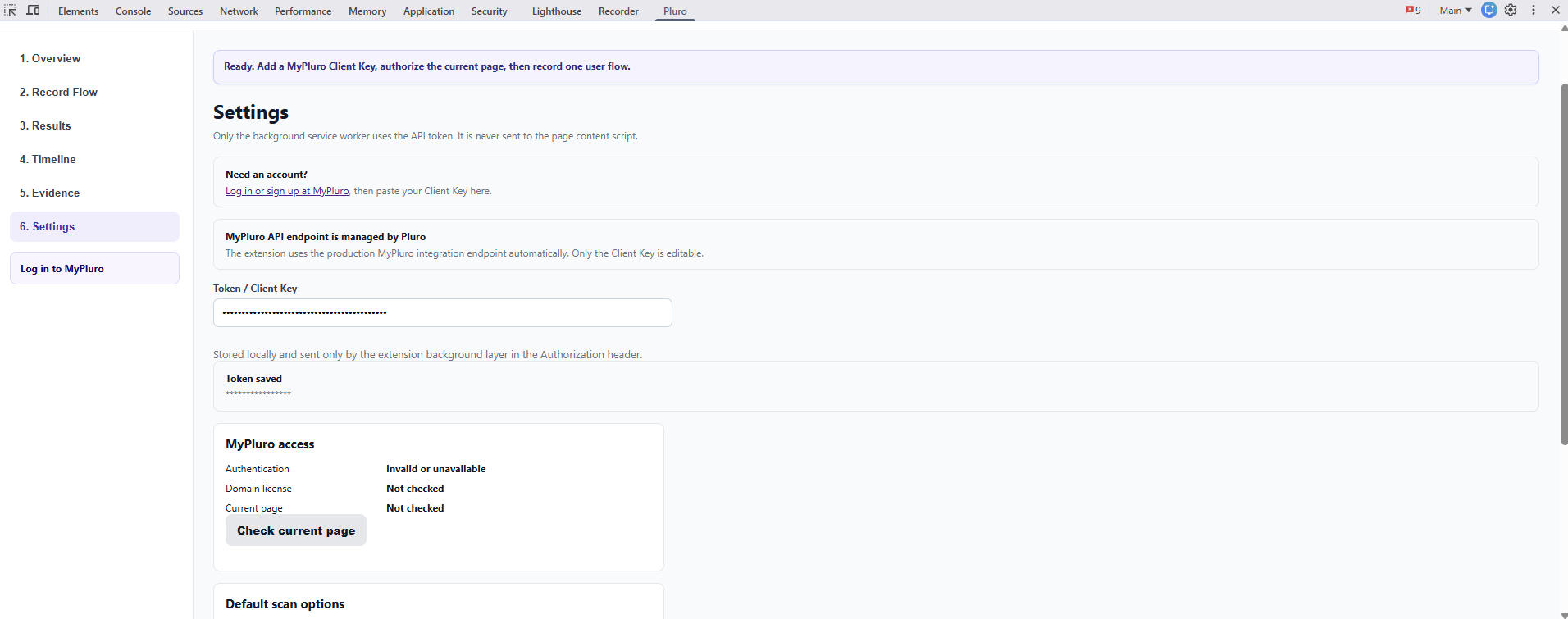
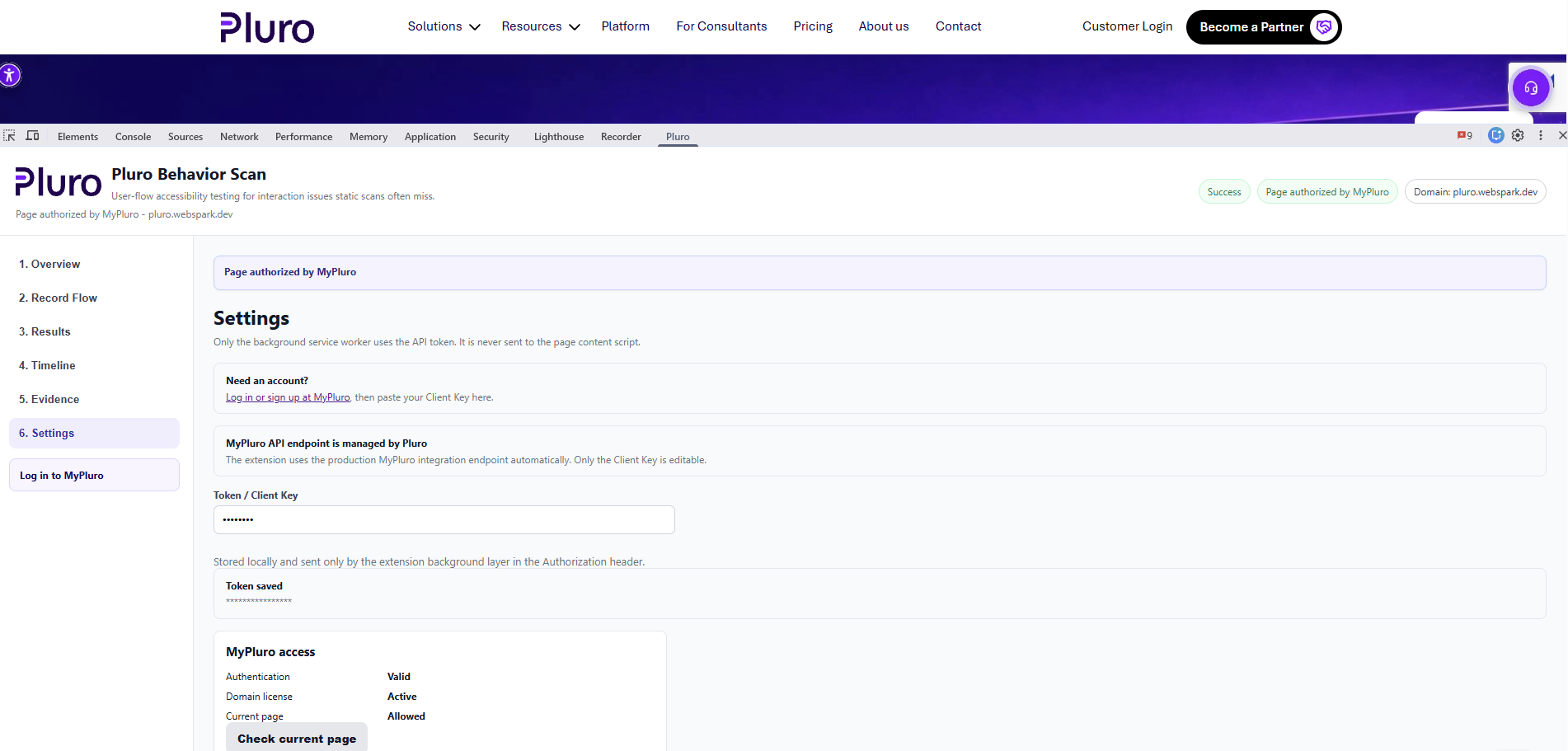
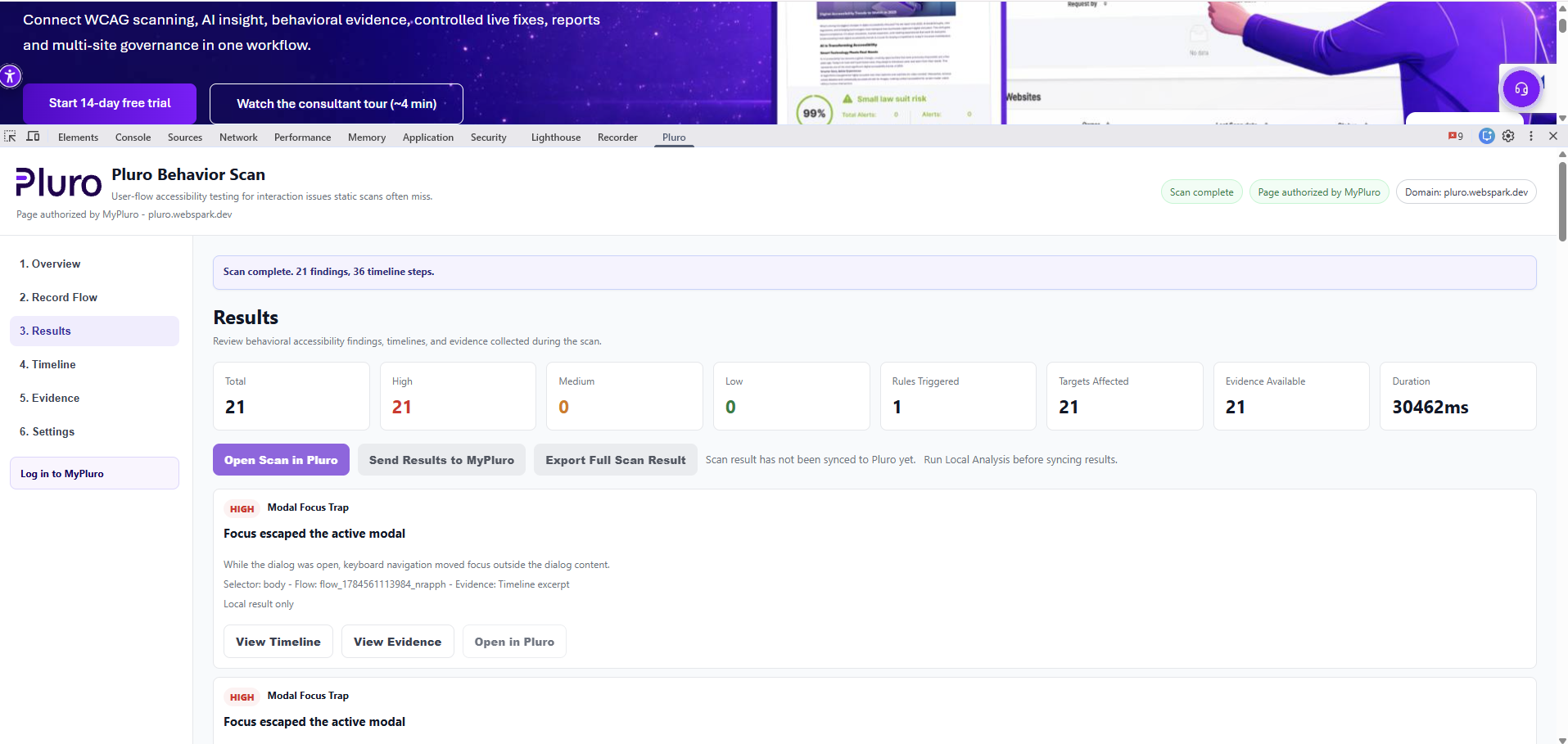
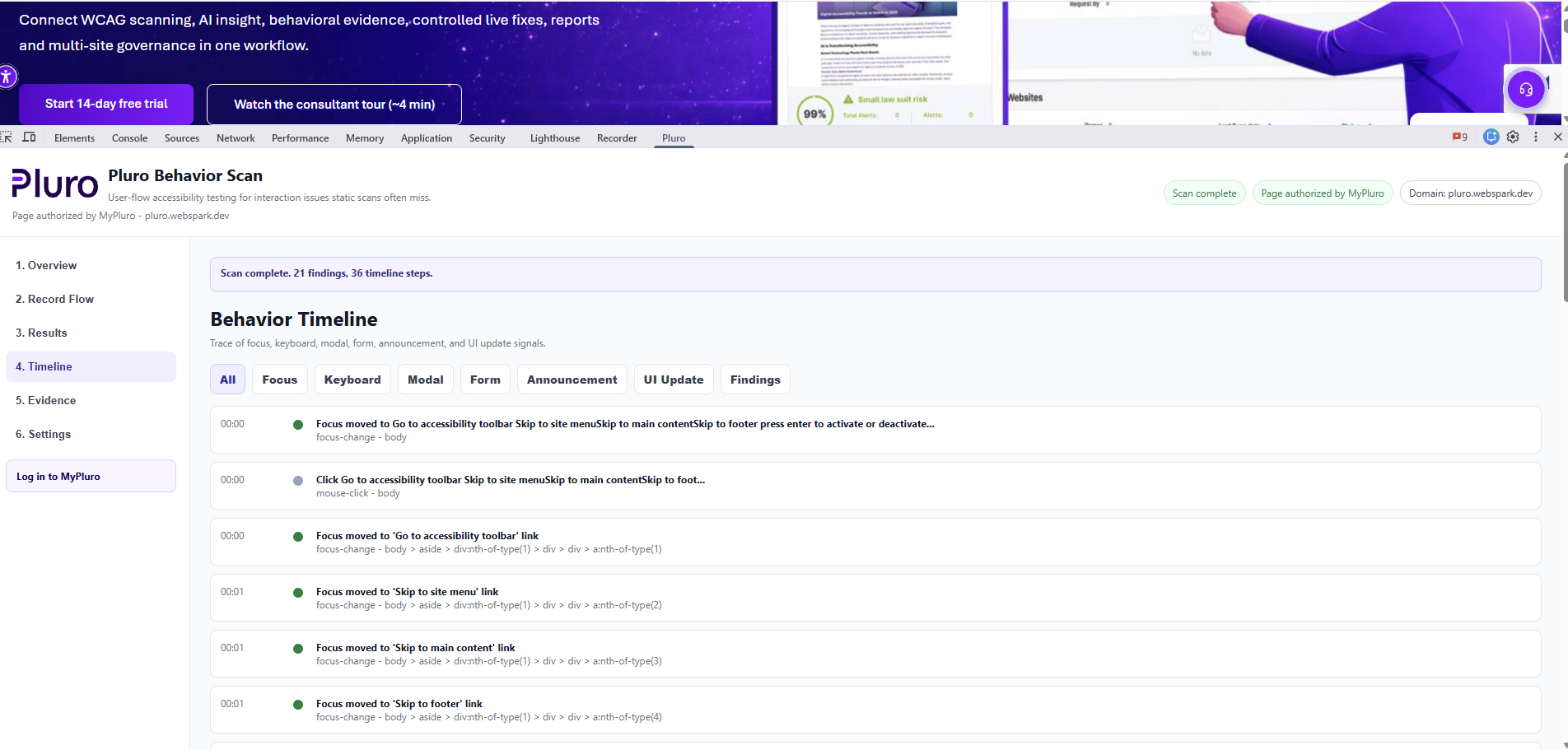
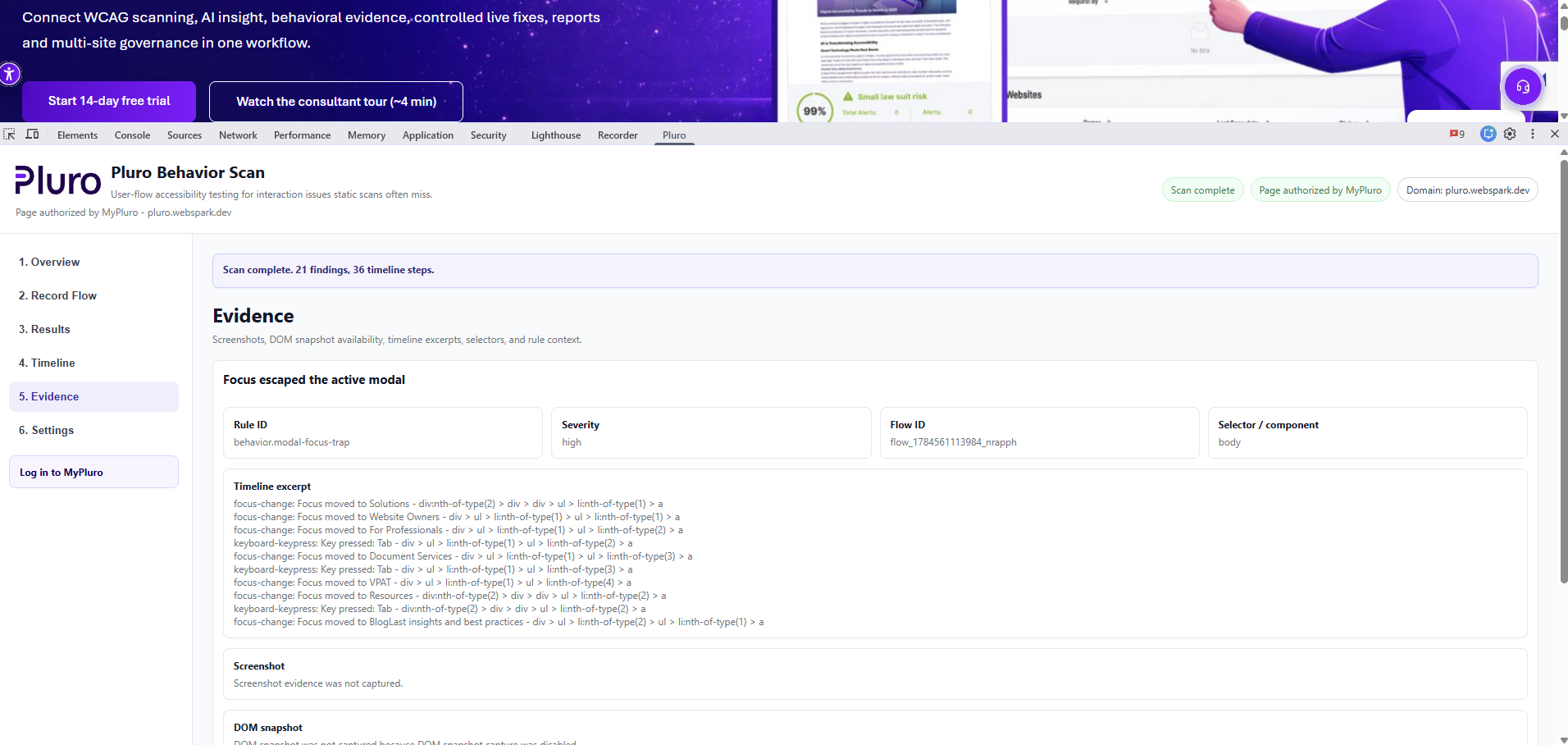
The Chrome DevTools extension records a real user flow, analyzes focus, keyboard, forms, modals and dynamic updates, and sends the findings back to Pluro.
Use the Left and Right Arrow keys to move between tabs.
Use Home for the first tab and End for the last tab.
Export and share
Download the visual PDF, inspect the structured JSON or open the CSV for spreadsheet and integration workflows.
A client-ready visual report with score, totals and detailed findings.
Structured issue data including selectors, snippets, origins and statuses.
Available as a structured JSON export
A spreadsheet-ready export for analysis, assignment or external systems.
Available as a spreadsheet-ready CSV export
Start with a free audit and see how Pluro connects scanning, AI Insight, Behavior Evidence, remediation and reporting.
