Product & Web Teams
Give developers actionable findings, behavioral evidence and controlled remediation paths before issues become release blockers.
Solutions
Pluro connects WCAG scanning, AI insight, behavioral evidence, controlled fixes, reports and governance into one platform — so every team can move from accessibility findings to action without losing context.
Built for product teams, developers, consultants, agencies, resellers and enterprise accessibility programs.
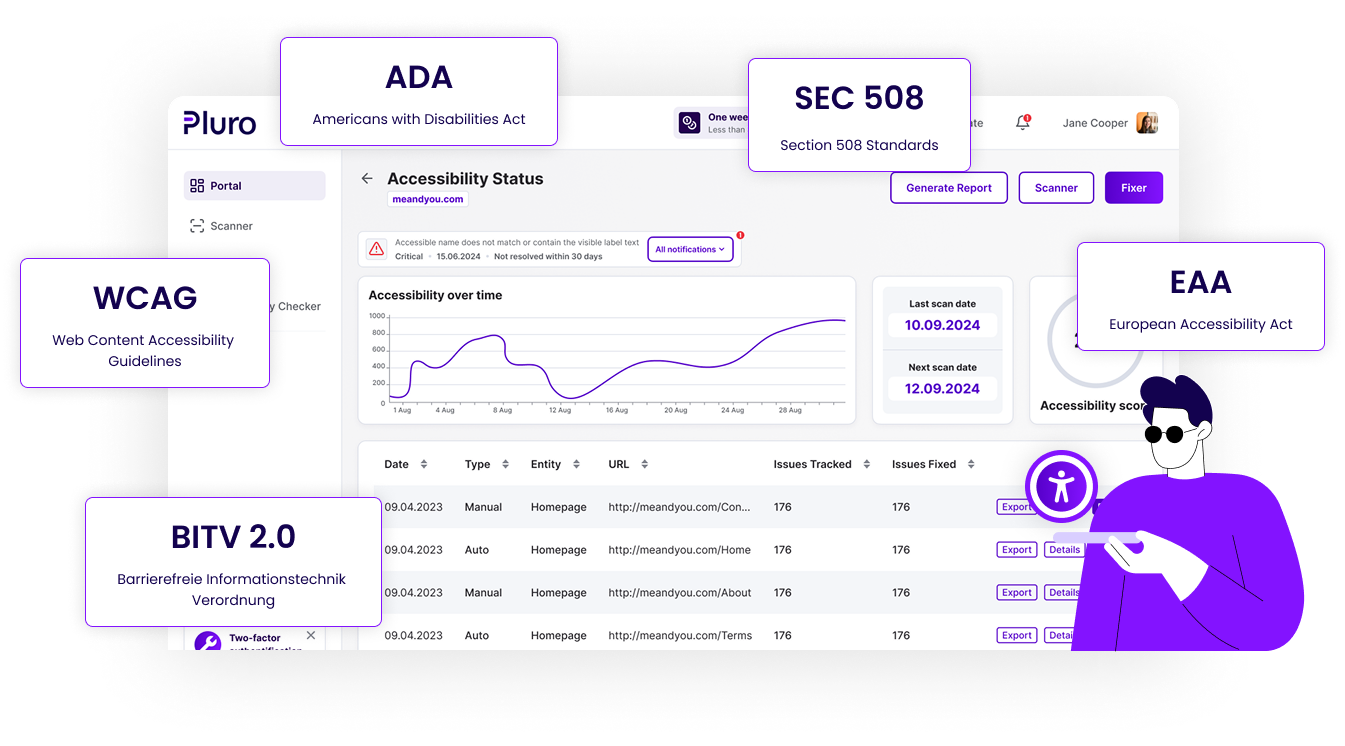
One platform, multiple workflows
Accessibility is not one task. It is a workflow that connects detection, expert review, behavior testing, remediation, reporting and governance. Pluro gives every team a clear way to move from findings to action.
Give developers actionable findings, behavioral evidence and controlled remediation paths before issues become release blockers.
Turn audits into client-ready workflows with manual findings, evidence, exports and handoff to Jira or Fixer.
Package accessibility audits, remediation, reporting and monitoring as recurring services for client websites.
Manage domains, roles, licenses, evidence and accessibility progress across teams and vendors.
The Pluro workflow
Pluro keeps context connected from the first scan through AI-assisted review, behavior evidence, remediation, reporting and ongoing governance. Teams do not need another disconnected report. They need a workflow that helps them understand what matters, fix what can be fixed, review what needs judgment and prove progress over time.
Detect WCAG issues across pages, templates and components.
Classify findings, explain impact and suggest safe next steps.
Capture keyboard, modal, form and dynamic UI issues that static scans often miss.
Apply controlled JS, CSS and DOM-level fixes without changing the original source code.
Connect findings, evidence, screenshots, status and review decisions.
Manage sites, clients, roles, licenses and progress from one workspace.
Product & Web Teams
Developers need more than a list of violations. Pluro gives product and web teams the technical context, behavioral evidence and remediation options they need to resolve accessibility issues without slowing every release.
Each issue includes practical context, affected elements and accessibility references so developers can move faster.
Capture interaction problems such as keyboard traps, modal focus issues, form errors and dynamic interface updates.
Use Fixer, developer guidance, headless script or API-based workflows to move from issue to fix.
Track what was found, reviewed, fixed and documented before accessibility becomes a production risk.
Accessibility Consultants
Accessibility consulting should not live in scattered spreadsheets, screenshots and follow-up emails. Pluro helps consultants structure audit findings, add manual issues, attach evidence, assign owners, export reports and hand off remediation through Jira or Fixer.
Add expert findings with descriptions, selectors, code snippets and evidence — and keep them visible across rescans.
Bring existing audit work into Pluro with XLS or CSV import for larger projects and repeatable templates.
Export PDF, CSV or JSON and share read-only views with stakeholders.
Move directly from report to Jira, Fixer or developer-ready guidance.
Agencies & Partners
Pluro helps agencies, resellers and accessibility partners turn accessibility from a one-time audit into an ongoing service. Manage multiple clients, deliver clear reports, support remediation and monitor progress across websites from one partner-friendly workflow.
Manage websites, licenses, domains, reports and remediation status from one place.
Turn technical findings into reports that business owners and developers can both understand.
Offer monitoring, remediation, reporting and governance as monthly or annual accessibility plans.
Support client onboarding, audits, fixes and renewals without rebuilding your process each time.
Enterprise Governance
Enterprise accessibility requires ownership, evidence, repeatable processes and controlled access. Pluro helps organizations manage accessibility as an ongoing operational workflow across business units, websites, internal teams and external vendors.
Track accessibility status across many sites, templates and digital properties.
Give internal teams, consultants and vendors the right level of access.
Keep findings, screenshots, review decisions and remediation history connected.
Give leadership and operational teams visibility into progress, risk and next steps.
Beyond basic overlays
User-facing tools can be useful, but they do not replace the work required to identify, understand, fix and document accessibility issues. Pluro can include assistive toolbar options, but its core value is the workflow behind them: scanning, AI-assisted review, behavior evidence, controlled remediation, reporting and governance.
See accessibility issues, evidence and recommended next steps — then choose the solution path that fits your team.
