AI-Powered Accessibility Workflow Platform

Scan, test, fix — Accessibility that works

Connect WCAG scanning, AI insight, behavioral evidence, controlled live fixes, reports and multi-site governance in one workflow.

AI insight → behavior evidence → guided fixes → reports

Start 14-day free trial

No credit card required • Setup in minutes • Works with WordPress, Shopify, Wix + more

No credit card • Setup in minutes • Guided visual Fixer • Deploy via script, widget, or API

Presentation
AI-Powered Accessibility Workflow

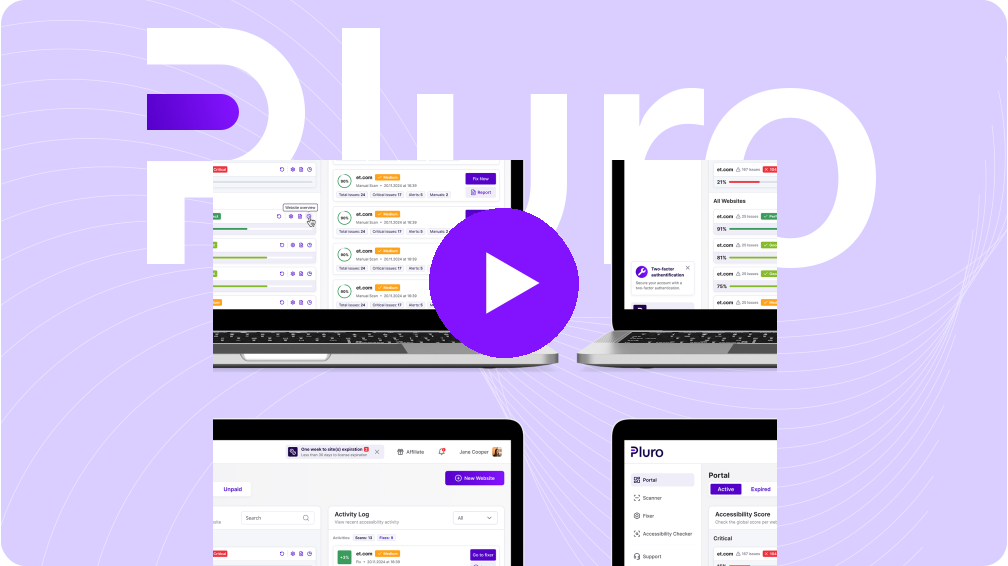
Video Preview

One platform for real accessibility work

AI-Powered Insight
+ Behavior Testing & Live Fixes

Fix, Report, and Monitor Live

Manage Compliance Faster

Why Teams

Choose Pluro?

Deliver Proven Accessibility

Keep Accessibility Under Control

AI, behavior, fixes and evidence

One accessibility workflow. Powered by AI and evidence.

Pluro connects scanning, AI insight, behavior testing, controlled fixes, reports and governance in one platform.

Scanner

Detect WCAG issues across pages, templates and components, with review where needed.

AI Insight

Classify issues, explain impact and suggest safe remediation paths without guessing.

Behavior Evidence

Capture keyboard, modal, form and dynamic UI issues that static scans often miss.

Fixer

Apply controlled JS, CSS and DOM-level fixes without changing the original source code.

Reports & Evidence

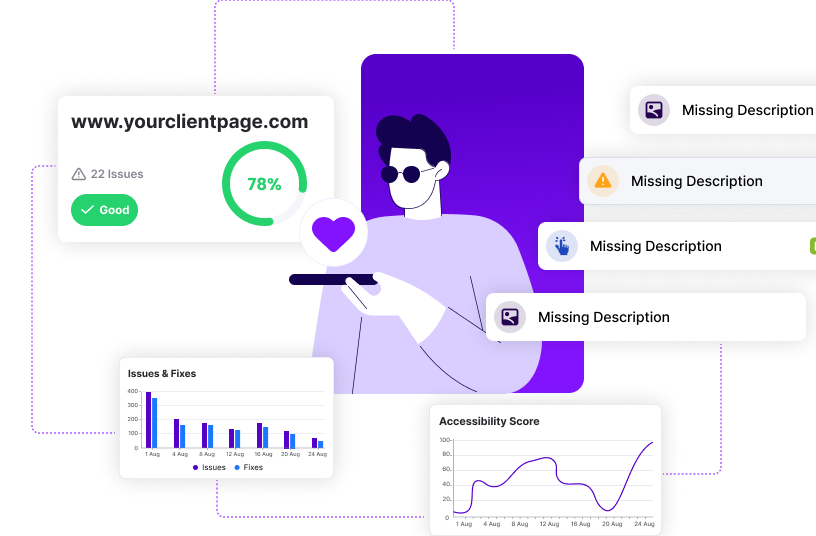
Connect findings, screenshots, fixes and review decisions in clear reports.

Dashboard

Manage websites, clients, roles, licenses and accessibility status from one dashboard.
Pluro workflow steps

  1. Scan Find issues
  2. AI Triage Classify safely
  3. Test Behavior Capture evidence
  4. Fix Apply controls
  5. Report Show progress
  6. Monitor Stay current

AI accessibility needs control

  • Safe Auto-Fix: clear, low-risk issues with predictable remediation.
  • Needs Review: AI suggestion with human approval before applying.
  • Manual Fix Required: complex issues for developers, UX or content experts.

Behavior testing for real interactions

  • Modal focus and focus return.
  • Keyboard dead ends and blocked flows.
  • Form error announcements.
  • Dynamic UI updates and user context.

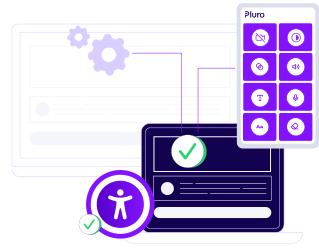
Optional assistive toolbar: Pluro also supports end-user controls, while the platform behind it manages the deeper accessibility workflow.

Managed WCAG Workflow

Supported guidelines

Supported Platforms

WooCommerce
WordPress
Drupal
Joomla
Magenta
WIX
Shopify
GoDaddy
Weebly

Trusted By Leading Brands Worldwide

Benefits for Teams

Why Teams Should Manage Accessibility

Earn More

Turn accessibility into a recurring service.

Win Trust

Better accessibility = better SEO & more traffic.

Lead the Market

Be the team that delivers accessibility beyond basic overlays

Protect Your Clients

Help them reduce risk with evidence, fixes and ongoing monitoring.

A Workflow For Your Clients, And For You

What PLURO Partners Gain

As a partner, you can deliver recurring accessibility services

Deliver Workflow

Start with a free scan, then deliver reports, fixes and monitoring your clients can trust.

Fix with Control

Fix common issues visually, with controlled live fixes and developer-ready guidance.

Grow Revenue

Earn recurring commission and package audits, remediation and ongoing monitoring.

Partners Get 20% Off Any Plan

The Right Workflow for Every Stage

A2Z

International accessibility specialists with more than two decades of experience

Specialties:
All Content Management Systems E-Commerce Platforms
Languages:
English Arabic Russian Hebrew
Experience:
20+ years
Group 107

Global accessibility leaders with over 20 years of experience

Specialties:
All Content Management Systems E-Commerce Platforms
Languages:
English Arabic French Russian Hebrew Italian Spanish
Experience:
20+ years
Asteroid

International accessibility specialists with more than two decades of experience

Specialties:
All Content Management Systems E-Commerce Platforms
Languages:
English Spanish
Experience:
5+ years
A11yeurope

International accessibility specialists with more than 5 years of experience

Specialties:
E-commerce platforms as SFCC Magento Static sites
Languages:
English Romanian
Experience:
5+ years
AccessiLens

Japan’s leading one-stop AI accessibility solution

Specialties:
Web Accessibility SaaS Tool AI Scanner & Fixer for Web Accessibility Diagnostics Full-Code Web Accessibility Implementation
Languages:
Japanese English Amharic Arabic German Spanish French Georgian Hebrew Hindi Italian Portuguese Russian Ukrainian Chinese
Experience:
5+ years

Self-Managed: We detect the issues and guide you step-by-step to fix them.

Small Site

$490 / year

$49 / month

Save 17% annually

Start your 14-day free trial – no credit card required!

  • Up to 120K visitors a month
  • Monthly scans (25 pages scanned)
  • Automated tools for basic accessibility repairs
  • Fixer - DIY Visual Tool for Website Accessibility Repairs
  • Jira integration
  • Knowledge base
  • Chatbot support
  • Accessibility statement

Large Site

$1390 / year

$139 / month

Save 17% annually

Start your 14-day free trial – no credit card required!

  • Everything in Medium
  • Up to 1M visitors a month
  • Monthly scans (100 pages scanned)
  • VS Code Extension (real-time feedback)
  • SAML authentication with customer IdP
  • Azure AD / Okta / Entra support
  • Enterprise login flow
  • JSON-based audit event export
  • User access and activity events
  • Security and compliance visibility

Give Clients a Real Workflow

A Toolbar Alone Isn’t Enough

Give Clients a Real Workflow

Widgets can support users, but they do not fix accessibility issues in code, structure, content or behavior.

Real accessibility needs a managed workflow: scan, review, test behavior, fix, report and monitor over time.

Clients & Testimonials

Trusted for Real Accessibility Work

Internet Creations logo
Quote Icon

Pluro accessibility component is the most comprehensive and optimized for WordPress. Beyond that, I receive a quick and professional response in everything related to the field of accessibility, including support from meticulous accessibility consultants.

Manta Web Developers
testimonials Image
Quote Icon

After searching and trying to find our clients an accessibility solution that would be attractive and right for them, we finally found Pluro. Simple installation and great troubleshooting has made this important procedure more accessible all around.

Gavish Media
Atomi Logo
Quote Icon

After several years of working together, it is not just a plugin, but a top notch service. Personal accompaniment all the way to full accessibility, Pluro is among the best plugins I have ever used. Always receiving updates and upgrades!

Atomi: Marketing & Data
ACP logo
Quote Icon

Pluro is the best accessibility plugin we've seen so far for WordPress. Additionally the team are super responsive and professional and it's been a pleasure working with them.

AGP WEB DESIGN
FAQ

Frequently Asked Questions

A basic overlay adds user-side controls. Pluro gives teams a workflow to scan, review, test behavior, fix, document and monitor accessibility over time.
Yes. Pluro offers one-click Jira-ready workflow, API access, and VS Code integration for real-time feedback, so you can incorporate accessibility checks without disrupting your sprint cycles.
Yes. Teams can manage domains, roles, reports, evidence and remediation progress from one centralized dashboard.
No. Pluro separates issues into safe fixes, review items and manual tasks. When context is unclear, Pluro does not guess.
Using Pluro Fixer, headless script or API integration, approved changes can go live quickly without waiting for a full release cycle.
Yes. The VS Code extension helps developers see accessibility feedback earlier, before issues become expensive production fixes.
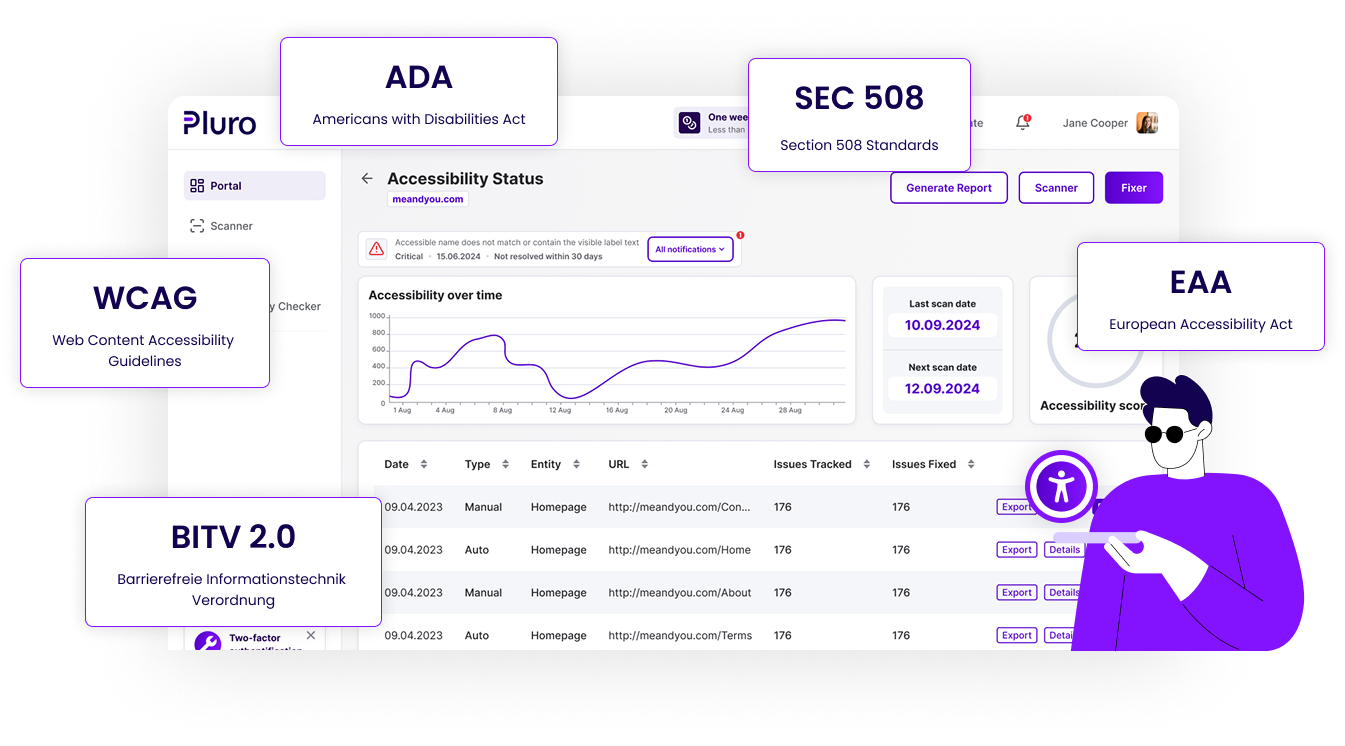
Pluro’s checks are based on WCAG guidance used by many regulations, including ADA, EAA, AODA and Section 508. Rules are updated as standards evolve.
You get detailed, developer-focused reports that include issue descriptions, affected elements, WCAG references, severity levels, and recommended fixes—ready for action in your workflow tools.

Ready to see Pluro in action?

Start with a free accessibility scan

See issues, evidence and recommended next steps in minutes — then move from scan to remediation workflow.