01 · Discover
Bring every finding into one remediation process
Bring automated findings, manual observations, screenshots and Behavior Evidence into one remediation workspace.
Accessibility Remediation Workflow
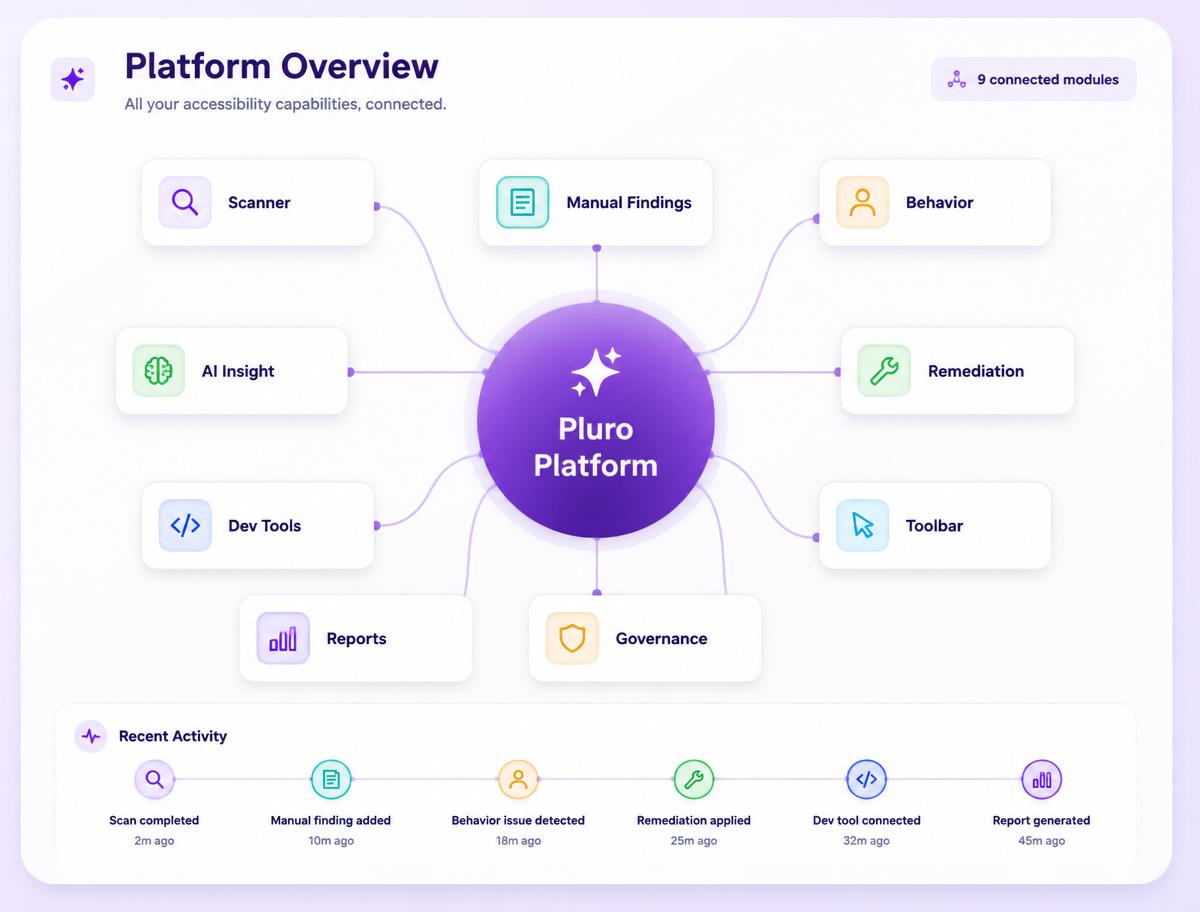
Pluro connects accessibility findings, evidence, ownership, remediation decisions and verification so every issue can move from discovery to a documented fix.
14-day free trial — no credit card required.
From finding to verified fix
Pluro turns automated and manual accessibility findings into a controlled remediation workflow with clear context, ownership, approval, fix paths and verification.
01 · Discover
Bring automated findings, manual observations, screenshots and Behavior Evidence into one remediation workspace.
02 · Understand
Review standards context, user impact, interaction evidence and the affected component before selecting a remediation path.
03 · Assign
Route findings to developers, content teams, QA, accessibility experts or managed remediation based on the type of correction required.
04 · Remediate
Use source-code fixes, developer guidance, controlled JavaScript or CSS, content updates or expert-led remediation.
05 · Verify
Repeat the original test, preserve the result and confirm the barrier was resolved rather than closing the issue by assumption.
06 · Govern
Track ownership, remediation status, verification history and recurring monitoring across websites and teams. Complex portfolio governance may require a Custom Plan.
Behavior Evidence
Record real user journeys and preserve focus, keyboard, form, modal, validation and dynamic UI evidence before remediation begins.
Capture the behavior behind complex findings
Preserve timelines, screenshots and remediation context
Connect evidence directly to the assigned remediation task
Remediation with human review
Pluro keeps remediation recommendations visible, separates controlled fixes from issues requiring review and routes complex decisions to developers or accessibility experts.
Controlled Fix: defined technical changes enter a reviewable remediation workflow.
Needs Review: findings requiring context or approval remain under human control.
Manual Remediation: complex behavior, design and product decisions stay with developers or accessibility experts.
One remediation record, shared responsibility
The remediation record remains connected while each role sees the evidence, ownership, approval and next action relevant to its work.
Product & Engineering
Use finding details, the Chrome Extension, VS Code guidance and Behavior Evidence across development, QA and remediation workflows.
Accessibility Experts
Review recommendations, capture reproducible evidence and retain control over remediation and closure decisions.
Enterprise & Partners
Manage websites, owners, remediation status, verification evidence and reporting through one connected platform. Complex portfolio capabilities are scoped separately.
Move from findings to fixes
Start with one website or connect accessibility remediation across multiple teams and digital properties.
Start with one website and connect findings, evidence, remediation, verification and monitoring in one workflow.
