Coverage
Page and component scanning
Identify repeatable issues across routes, templates and shared interface patterns.
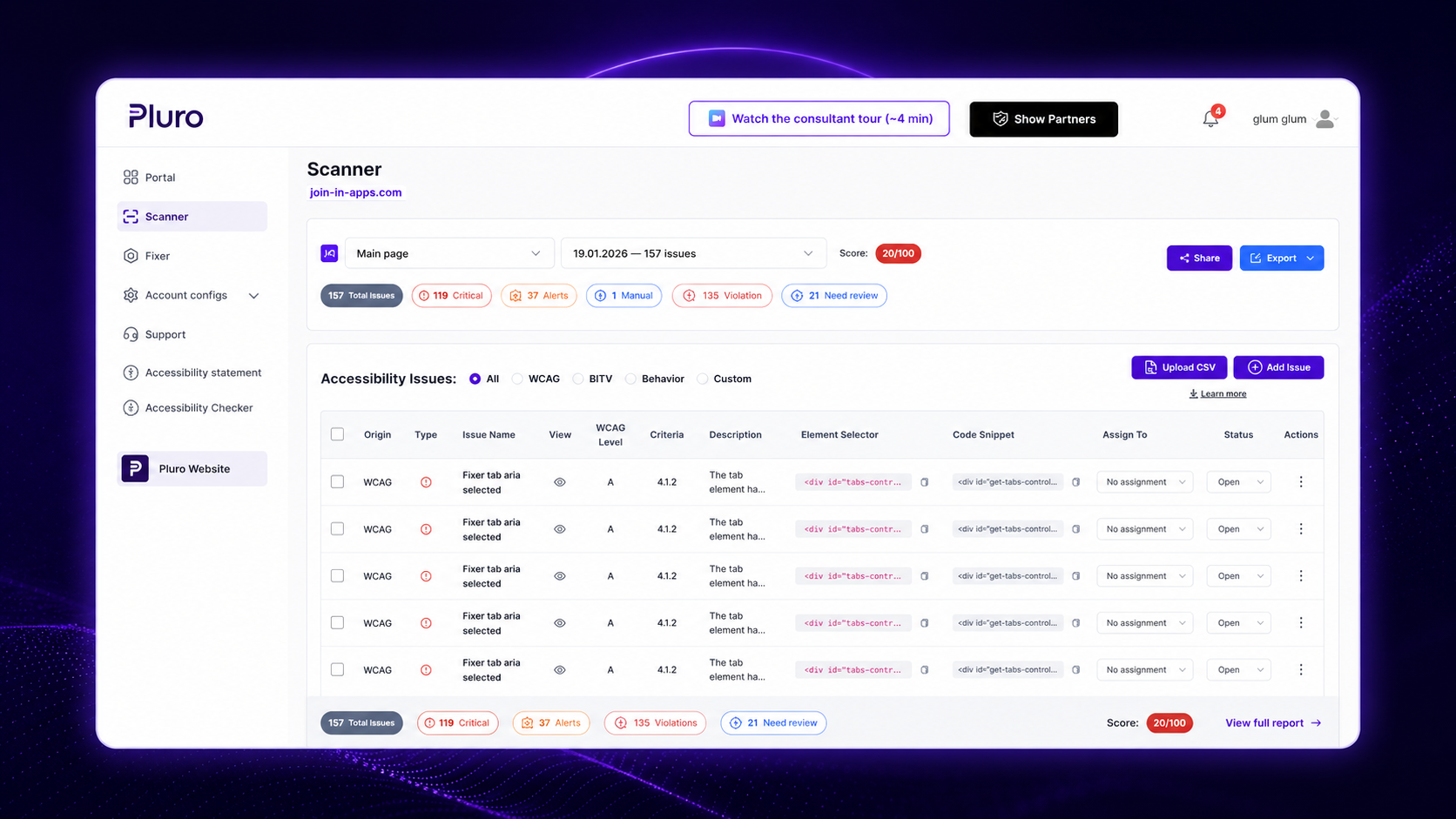
Pluro scans pages, templates and components for WCAG-related issues, then connects each finding to the affected element, review status, remediation path and verification history.
14-day free trial — no credit card required.
 WCAG findingsDeveloper context
The scanner is the first layer of the Pluro workflow. It surfaces repeatable technical patterns and keeps each finding connected to review, ownership, remediation and verification instead of leaving the result in a disconnected export.
Coverage
Identify repeatable issues across routes, templates and shared interface patterns.
Context
Give developers a practical starting point instead of a generic rule description.
Prioritization
Organize findings so teams can focus on barriers with meaningful user impact.
Collaboration
Assign work, track review and keep the finding connected to its decision.
Expert input
Add issues automation cannot determine and manage them in the same workflow.
Continuity
Rescan over time to detect regressions and new issues as websites, components and content change.
Static rules cannot fully determine whether focus moves correctly, a modal returns focus, an error is announced at the right moment or a dynamic update preserves user context. Pluro connects the scanner to Behavior Evidence and expert review for those cases.
Use scanning for
Semantics, attributes, contrast calculations, structure and other testable conditions.
Use Behavior Evidence for
Keyboard paths, focus transitions, validation feedback and dynamic interface changes.
Use people for
Content purpose, design tradeoffs, business context and final approval.
Scan the selected pages, templates or components.
Confirm context, impact and whether manual testing is required.
Route the issue to the right owner or remediation method.
Apply a source-code, content, managed or expert-led correction.
Retest and preserve the result before closure.
Start a 14-day trial, scan your website and see how Pluro connects discovery to review, remediation and verification.
Scan your website, review findings and connect them to remediation and verification.
